Figma's MCP Server Now Speaks Your Brand's Fonts
Figma's MCP server — the bridge between AI assistants and your Figma canvas — now supports uploaded custom fonts, so prompts can render in your actual brand typeface without manual correction. A new `download_assets` tool ships alongside it, letting you export production-ready SVGs, PDFs, JPGs, or PNGs directly from a text prompt, bypassing the export panel entirely.
KFC's Bucketverse: One Object, an Entire Brand World
Global agency JKR rebuilt KFC's entire visual identity around a single object — the bucket. Logo, packaging, restaurant interiors, app UI, and social copy all treat the bucket as both a compositional frame and a storytelling device, rolling out across the UK and Ireland before hitting 34,000+ restaurants in 150+ countries.
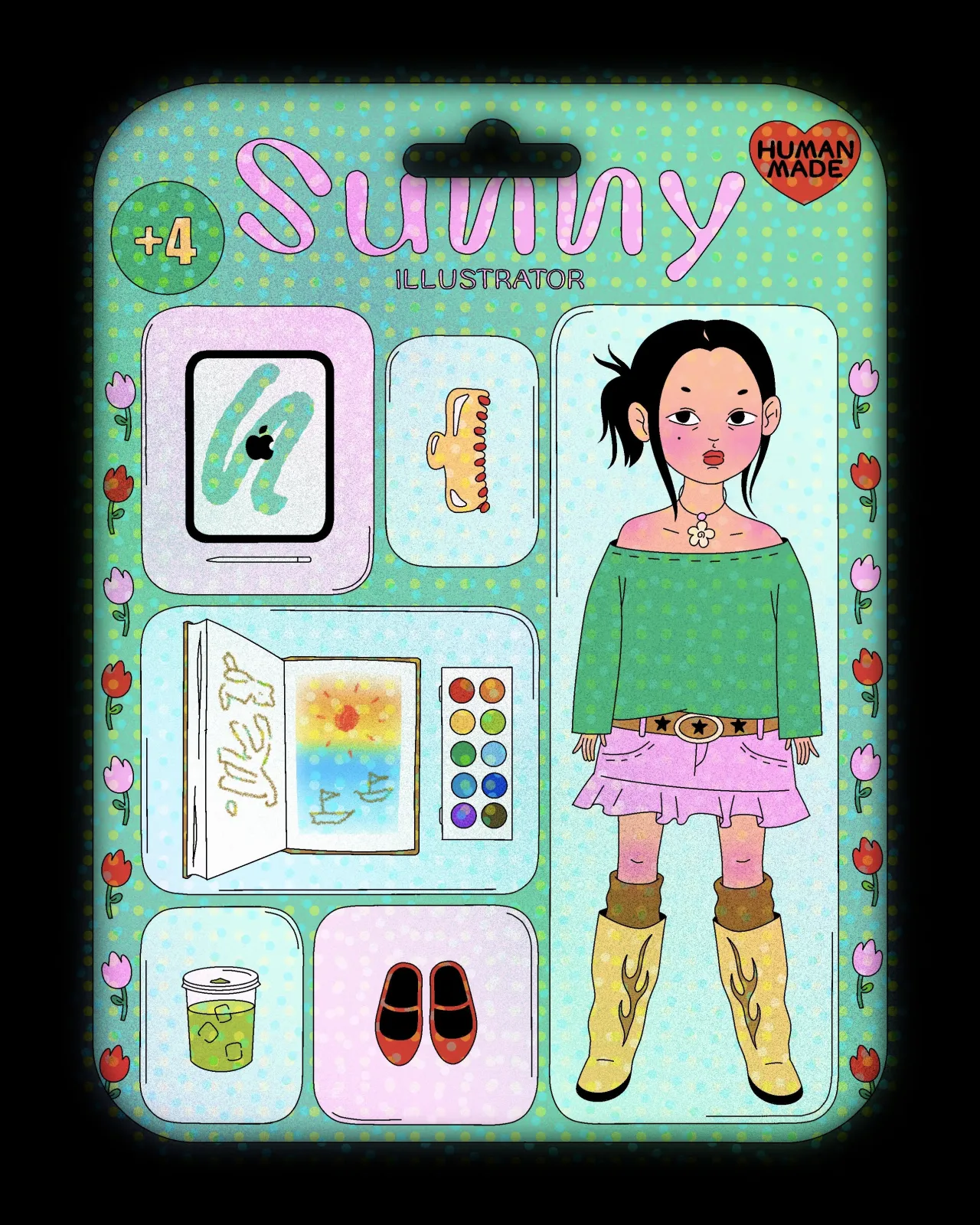
#StarterPackNoAI: Your Imperfect Line Is Your Signature
Illustrator @patouret launched #StarterPackNoAI on Instagram directly against the viral AI-generated "action figure" trend — drawing their own starter pack by hand and writing "Fed up with this AI starter pack trend so I decided to draw mine with my own hands." Hundreds of illustrators have followed, and each hand-drawn version explodes with individual character that the AI-generated ones uniformly lack.
Adobe Creative Cloud's Latest Drop Cuts the Friction
Adobe's Creative Cloud updates shipping this week include faster Illustrator app launch speeds, one-click Hex value copying from the Color panel, and Frame.io integration that lets you open, link, and download assets directly from the Files tab without leaving Creative Cloud.
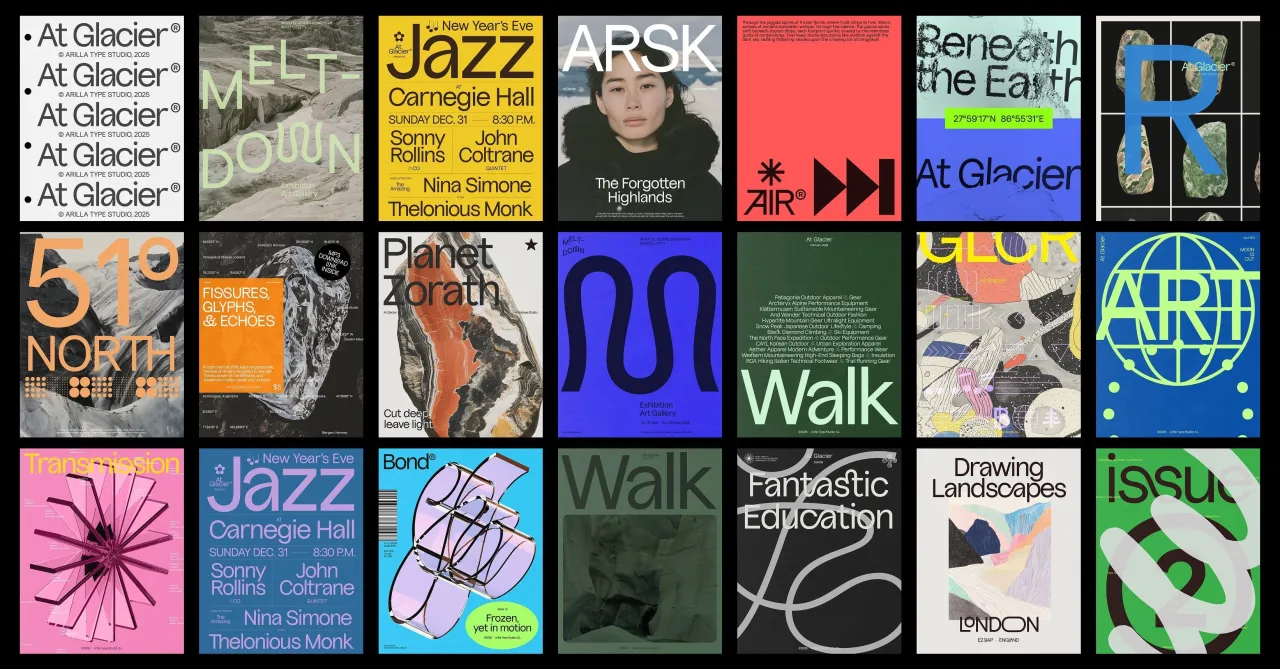
June's Type Drop Is Unusually Rich — Set One Word, Post It
Creative Boom's June 2026 typeface roundup highlights a standout month for type: Unifora by Yep! leads — a massive uniwidth sans-serif superfamily with industrial edge and architectural precision — joined by stencil revivals that break their own rules, display faces built for poster-scale, and carefully reworked historical typefaces brought into the present.
You’re done for today!
5 stories · under 10 minutes. See you tomorrow.