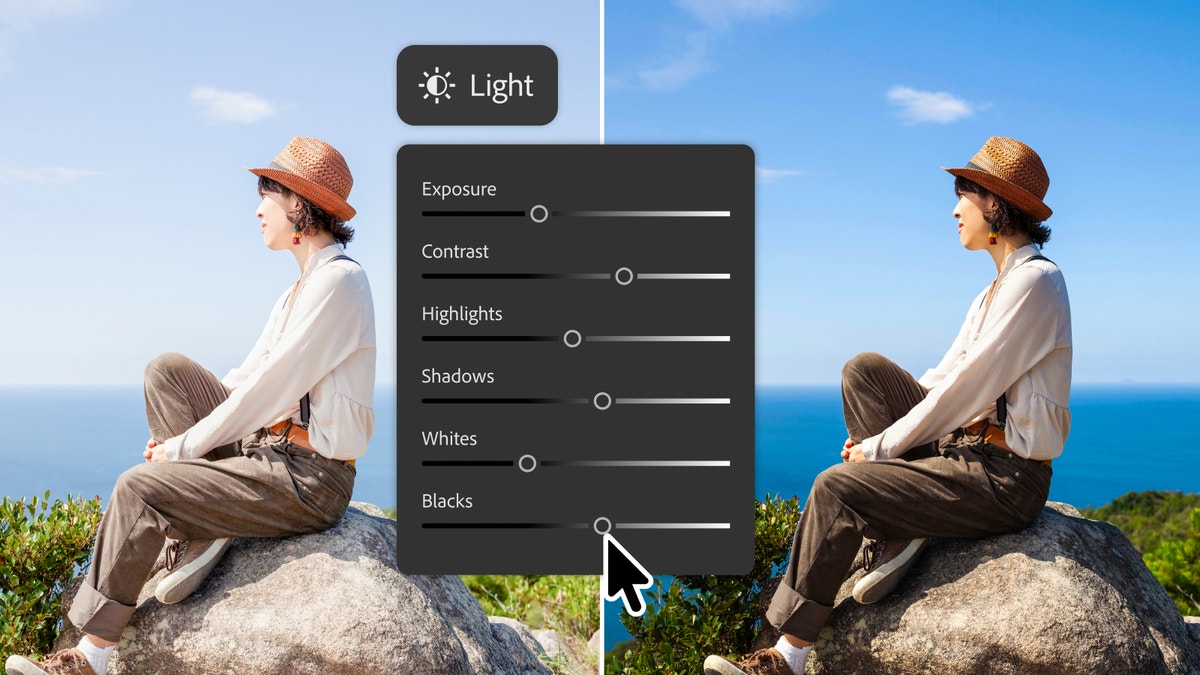
Photoshop's New Markup Turns Sketches Into Edits
Adobe just rolled out a batch of AI editing features in Photoshop, including Markup, where you draw an arrow, a circle, or a rough shape directly on a photo and the AI understands what you're asking for. A companion feature, Instruct Edit with Masks, lets you type an edit in plain language while protecting everything you didn't mark, like faces or logos.
Build a Mouse-Following Lens Effect With Code
Codrops developer Tomoyuki Nakata published a full walkthrough for building an interactive square "lens" that follows your cursor and distorts, RGB-shifts, and animates whatever image sits beneath it, using Three.js and GLSL shaders.
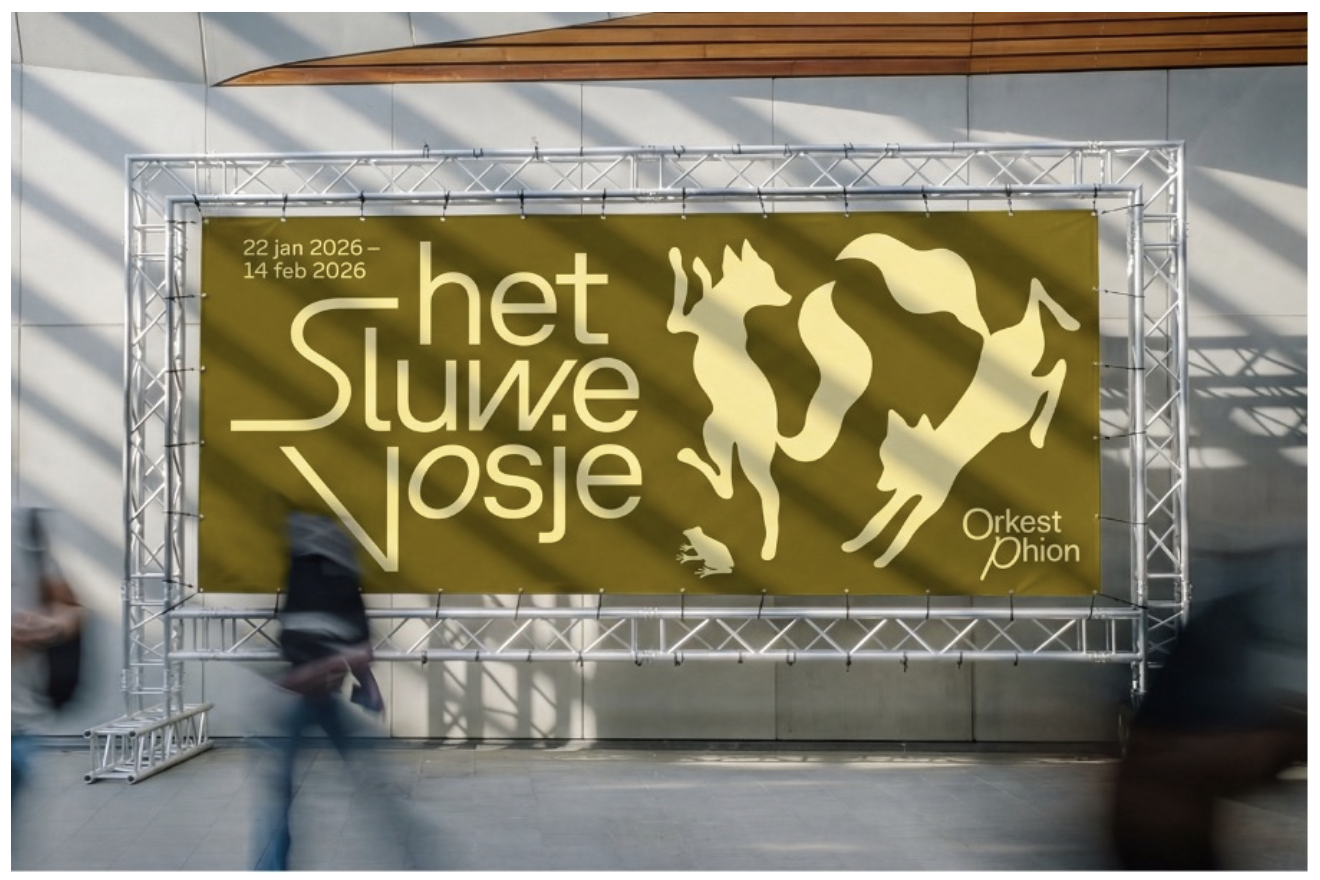
"Start With the Music, Not the Layout"
Amsterdam studio Thonik built a new identity for Phion Symphony Orchestra using GT Planar, a variable font whose letters physically bend and tilt to match the mood of each piece of music. Design lead Falco van Burg says the process never starts with a layout — it starts by asking what the piece feels like.
Figma's Agent Chat Pops Out Into Its Own Window
Figma shipped an update letting you open its agent chat panel into a separate window on the desktop app for Mac and Windows, so it stays visible while you switch tabs or work in other tools.
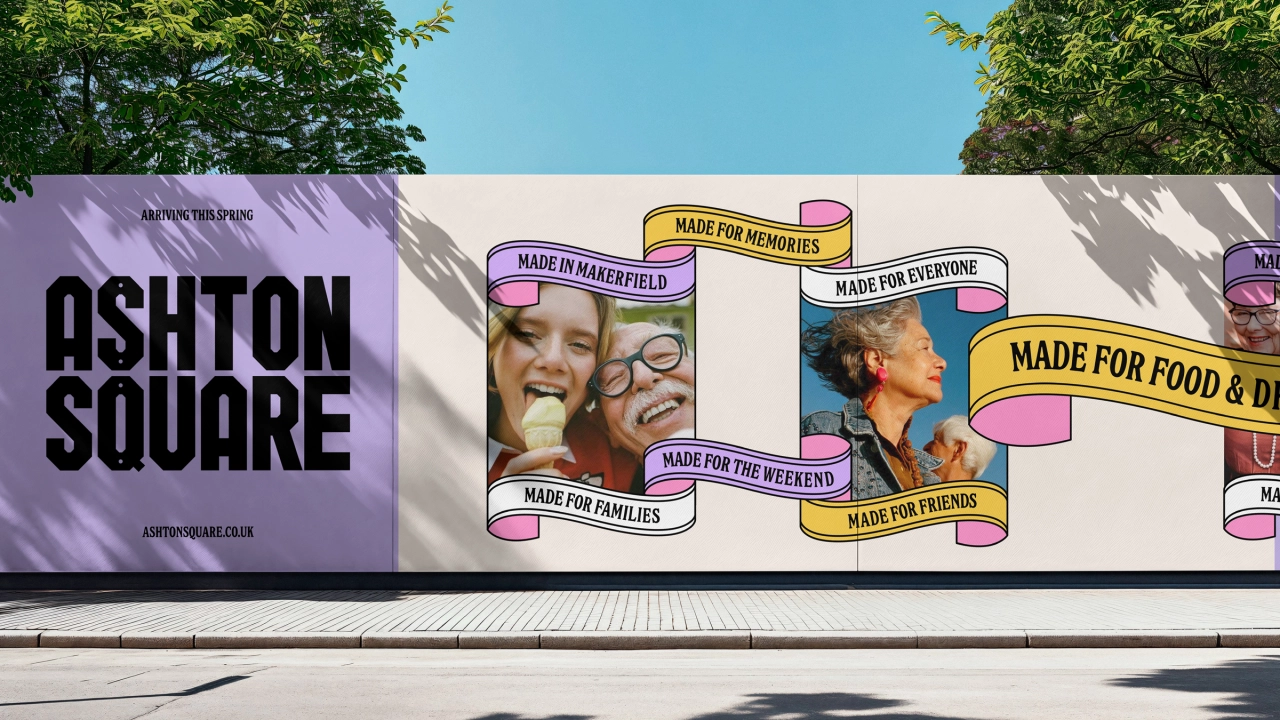
A Car Park Became a Town's New Identity
Studio DBD turned a car park in Ashton-in-Makerfield into a public square built around "Made in Makerfield," a visual identity designed to grow every time a local business, group, or event adds their own update to it.
You’re done for today!
5 stories · under 10 minutes. See you tomorrow.