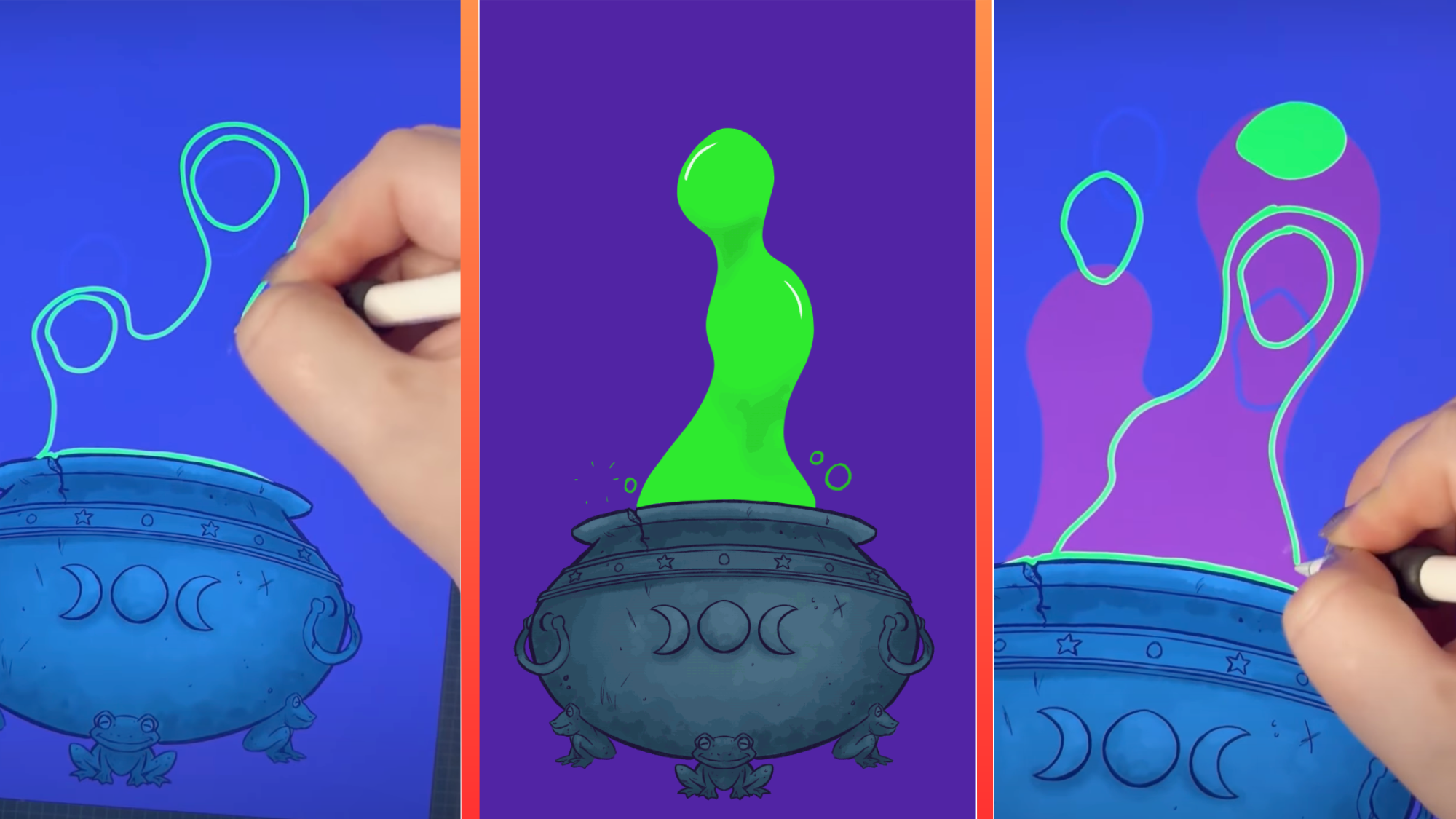
Animate Your Drawings in Procreate Instantly
Procreate now lets you bring static drawings to life with animation tools built right into the app. You can animate elements like a bubbling cauldron in seconds without leaving your workspace.
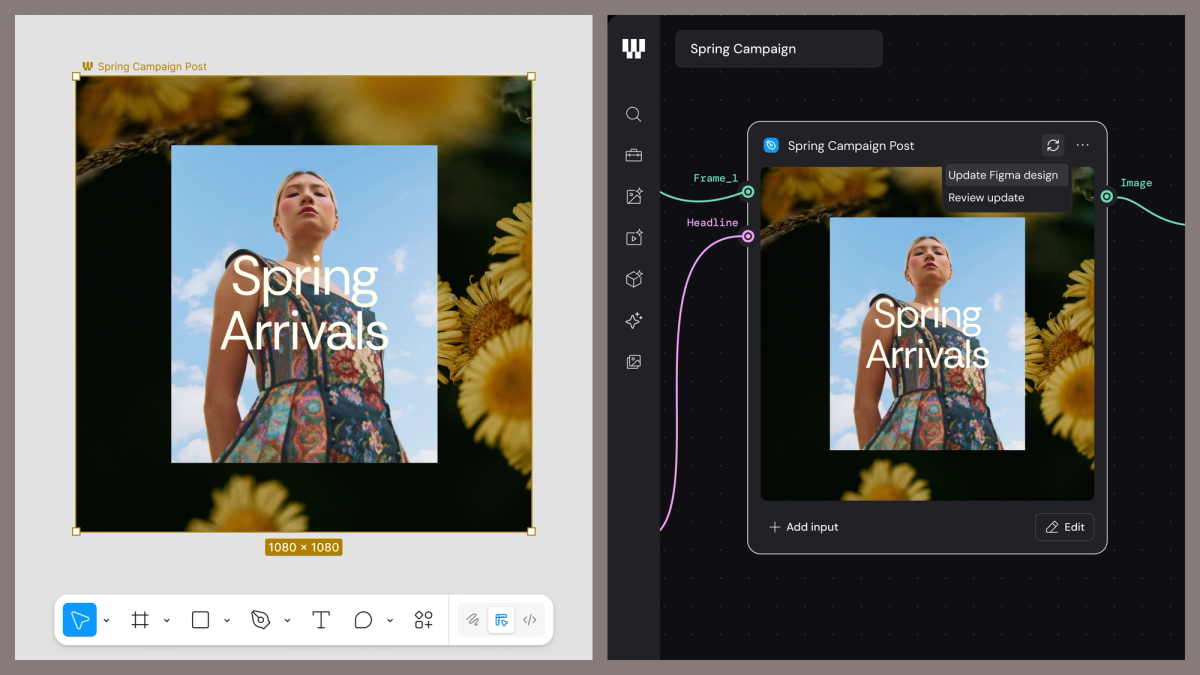
Figma Weave: Turn Your Design Process Into Repeatable Workflows
Figma's new Weave feature combines AI generation and editing into connected workflows your team can refine, repeat, and scale across projects.
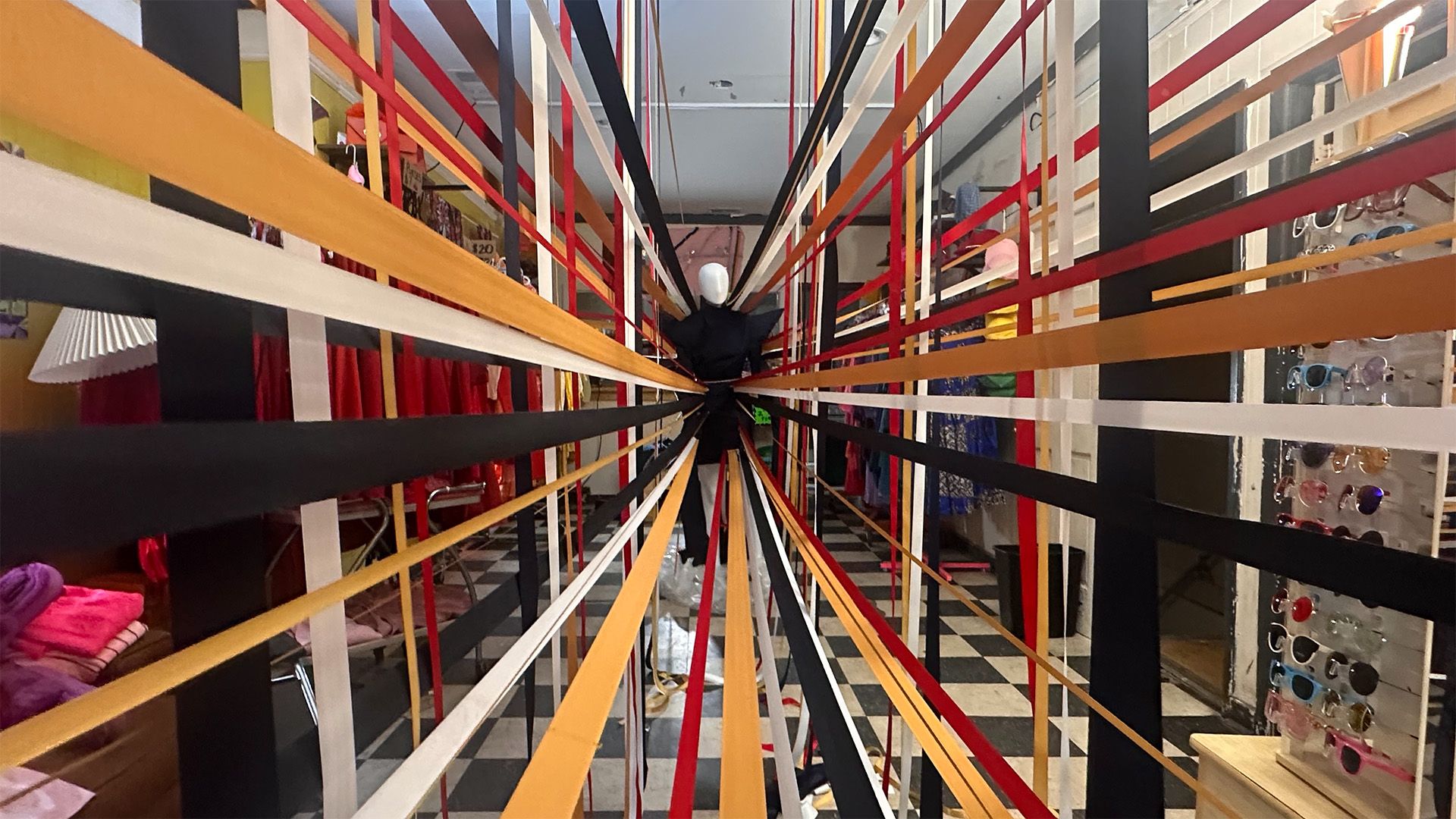
"Use Their Tools Against Them": Why AI Won't Kill Production Design
Award-winning production designer Christopher Glass argues that AI is a tool creatives can weaponize, not a threat—and shares why learning by doing beats following advice.
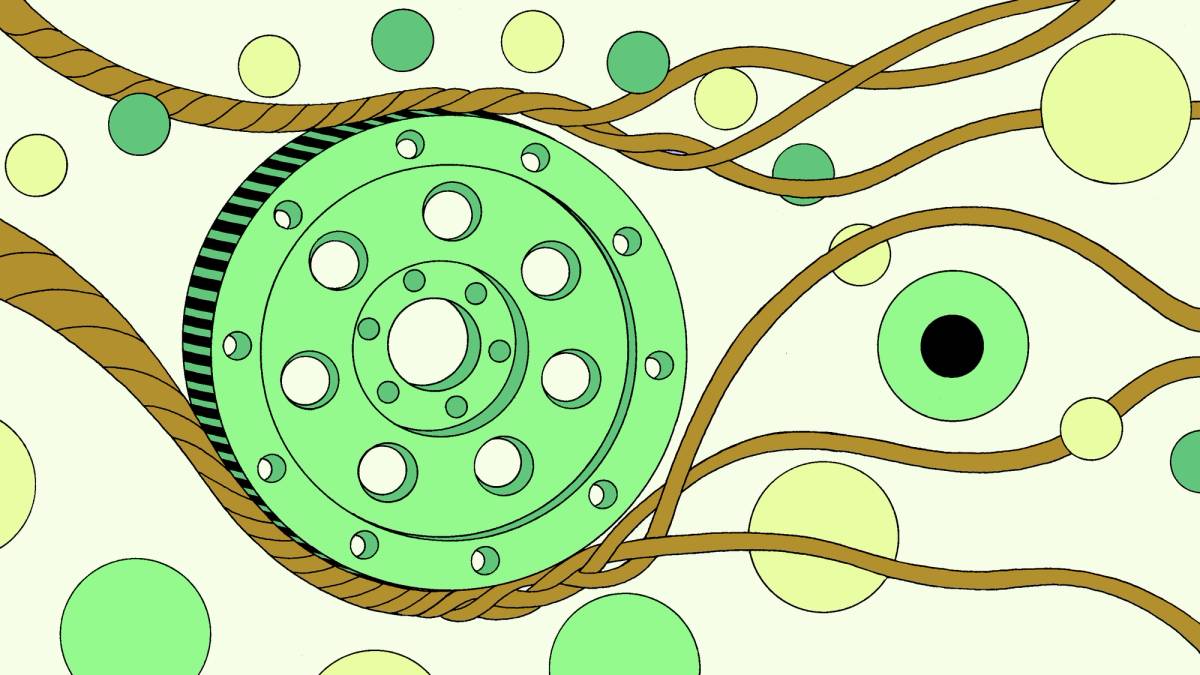
Figma Trains Its Own Design-Fluent AI Model
Figma is building a specialized AI trained specifically on design workflows, proving that focused AI beats generic models for creative tasks.

Handmade Beats AI Slop: Luxury Brands Betting on Craft
As AI-generated content floods social feeds, luxury brands like Prada are doubling down on handmade animation and hand-drawn campaigns—and audiences are rewarding them for it.
You’re done for today!
5 stories · under 10 minutes. See you tomorrow.
TODAY’S THREADThe design world is shifting: AI isn't replacing creatives, it's becoming their collaborator—but only if you stay human. From Procreate's animation tools to Figma Weave's repeatable workflows, this week's tools help you automate the grunt work. Meanwhile, luxury brands are proving that in an age of AI abundance, scarcity wins: handmade, intentional, process-driven work now stands out. The real skill isn't learning every tool—it's knowing *when* to use them and *when* to put them down.