Adobe Illustrator 2026 Puts AI Directly on Your Artboard
Adobe Illustrator 2026 ships Text to Vector and Generative Shape Fill — type a prompt directly on your artboard and get fully editable vector artwork (not a flat image) with adjustable paths, nodes, and grouped shapes. A companion Generative Expand feature extends any artboard edge, matching the style and colour palette of existing artwork automatically.
Figma Ships a One-Click Design System Auditor
Figma launched Check Designs (June 4) — a QA tool that automatically compares every frame in your file against your team's design system, then flags colour mismatches, wrong spacing tokens, detached components, and accessibility contrast failures, offering one-click fixes for each issue it surfaces.
Landor's Global ECD: "Logos Are Portals Now, Not Stamps"
Graham Sykes, Global Executive Creative Director at Landor — one of the world's largest brand consultancies — declared that logos have stopped being static marks and are becoming "portals: flexible, expressive, and built to behave." He named the counterforce to AI's hyper-polished output "Anti-AI Crafting," arguing that human-driven tactile work is coming sharply back into focus as the skill that differentiates.
Figma Make Gets Plan Mode: Spec Before It Builds Anything
Figma Make — the prompt-to-prototype builder — added opt-in Plan Mode (June 3 beta): the AI reads your project, asks clarifying questions, drafts a numbered build plan, and waits for your approval before generating a single frame. You can edit or delete any step in the plan, and it now also pulls live content from the web mid-build so prototypes stay grounded in real data.
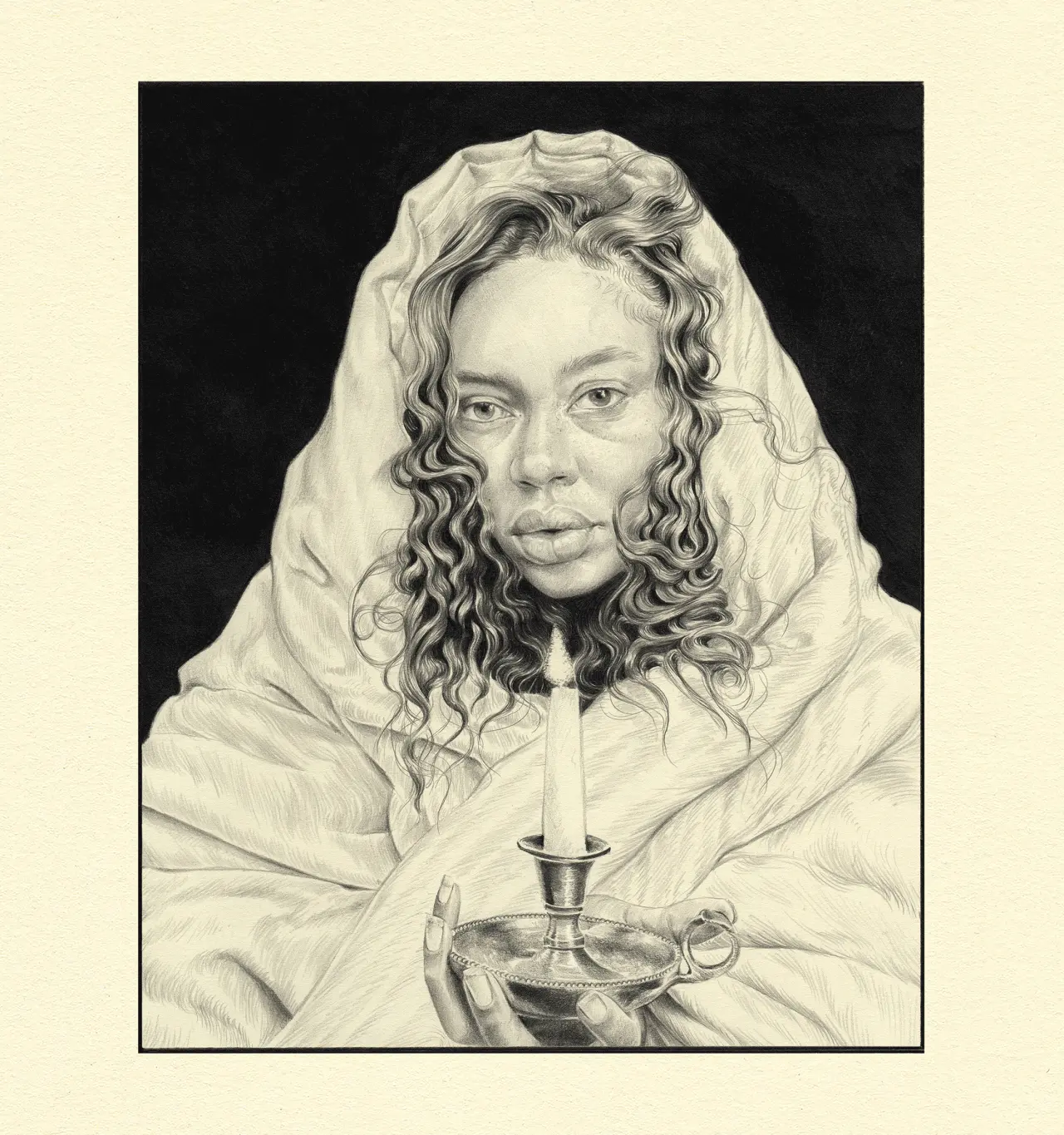
Palesa Monareng Drew 100+ Self-Portraits. Now They're a Book.
Cape Town-based illustrator Palesa Monareng announced (Creative Boom, June 8) that her collection of over 100 self-portraits — built one drawing at a time with no grand plan — is now being published as a book, a full portfolio body emerging from a single repeatable constraint.
You’re done for today!
5 stories · under 10 minutes. See you tomorrow.